A unified workspace and harness for researchers.
LaTeX from handwriting
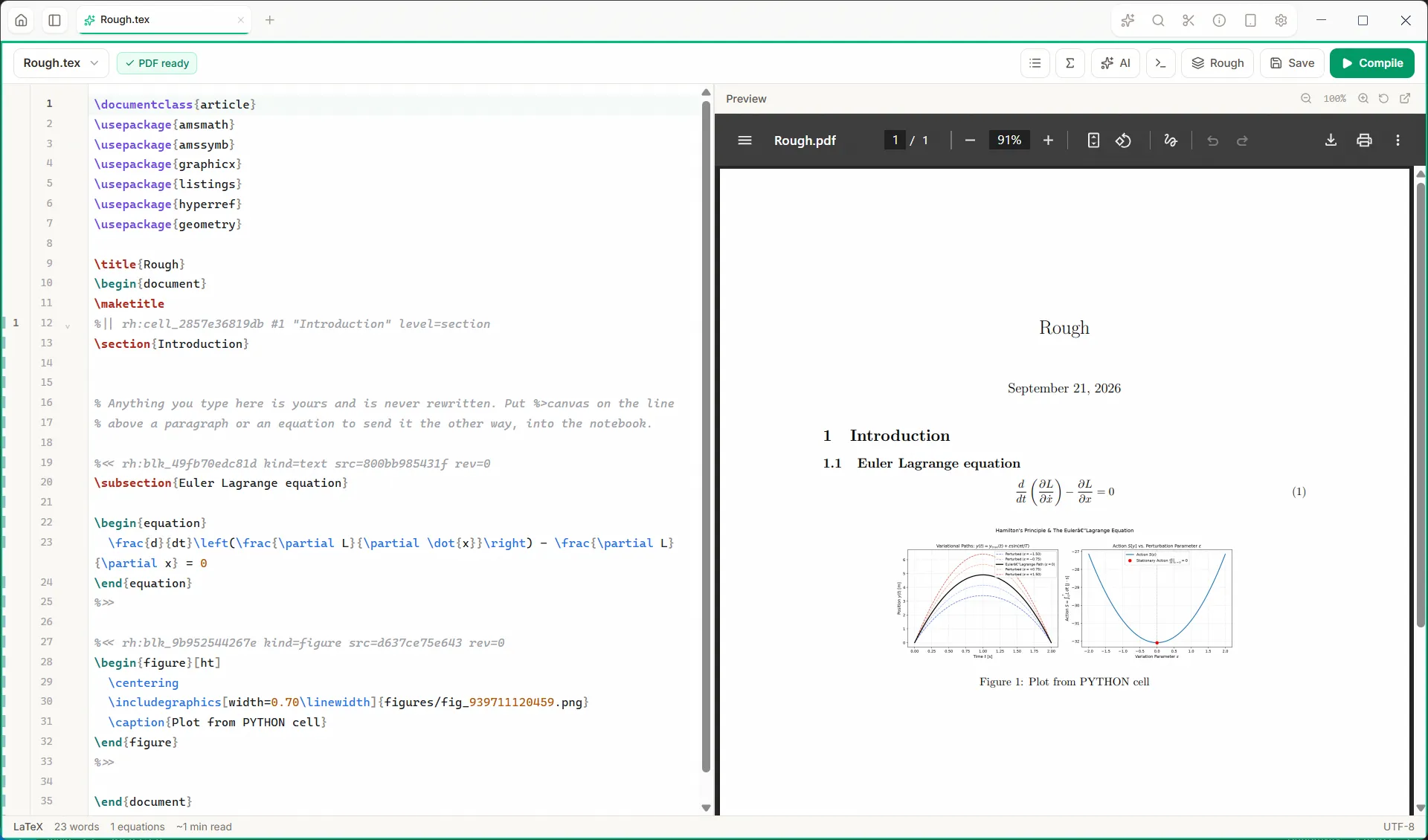
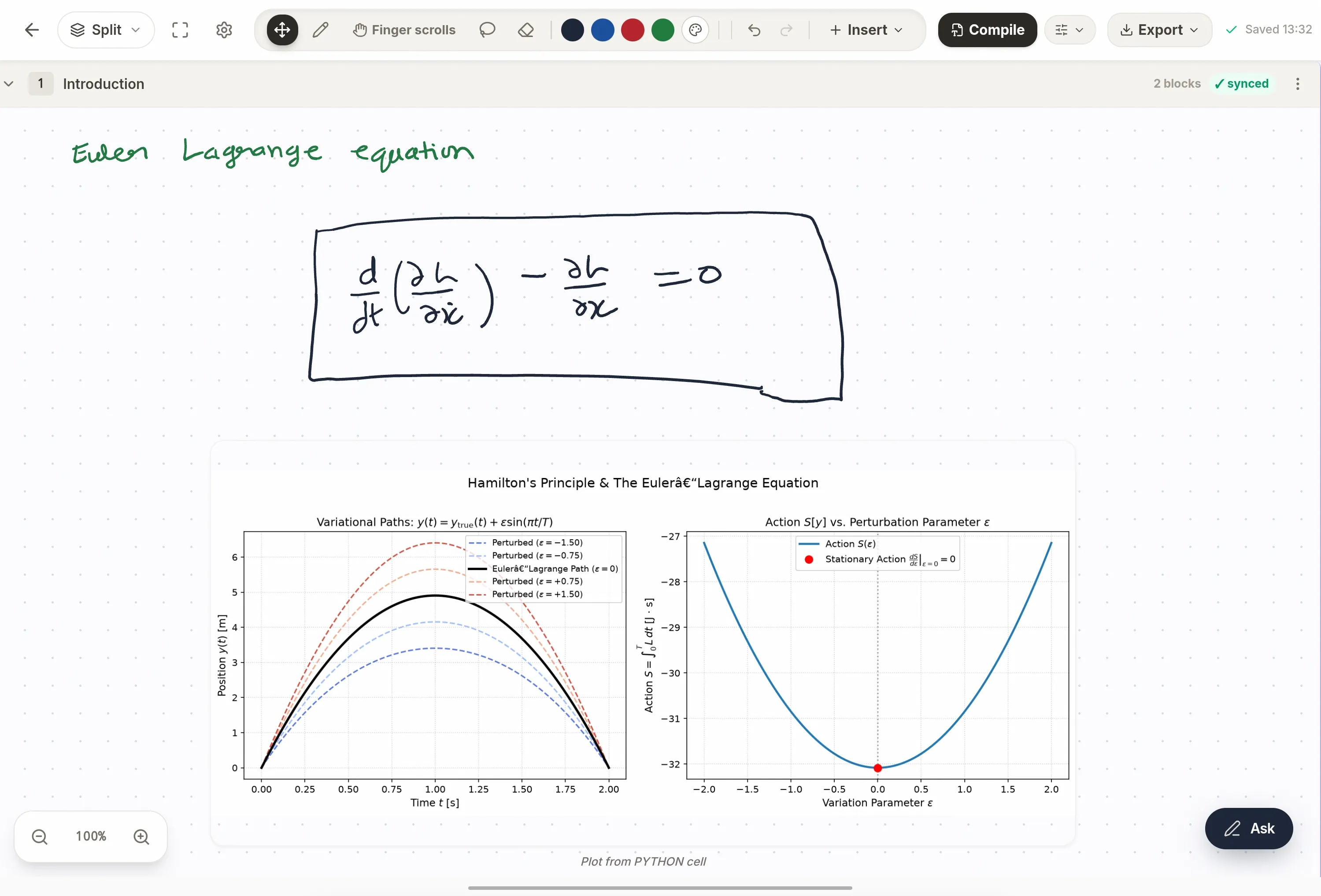
Write by hand on a tablet with a pen. Each block is read and written into the .tex file beside it, and the PDF rebuilds. Edit either side — a paragraph typed in the editor comes back to the page, and ink comes back as LaTeX.
Papers and references
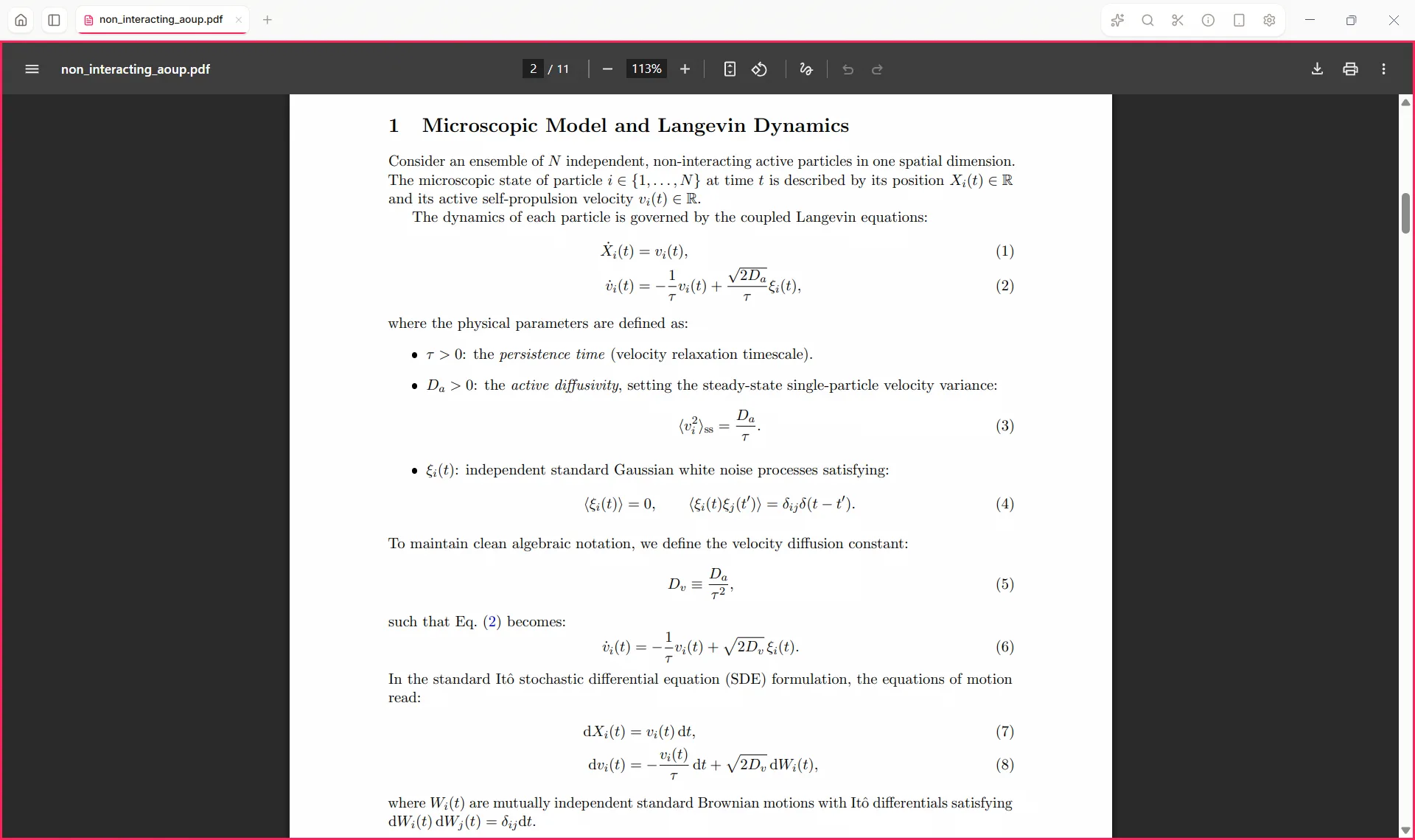
Search arXiv, OpenAlex, Crossref, Europe PMC and INSPIRE at once and download into the project. Every paper becomes a citable entry with a stable key; import .bib or .ris, and \cite{} completes from your own library.
A research agent that reads what you are reading
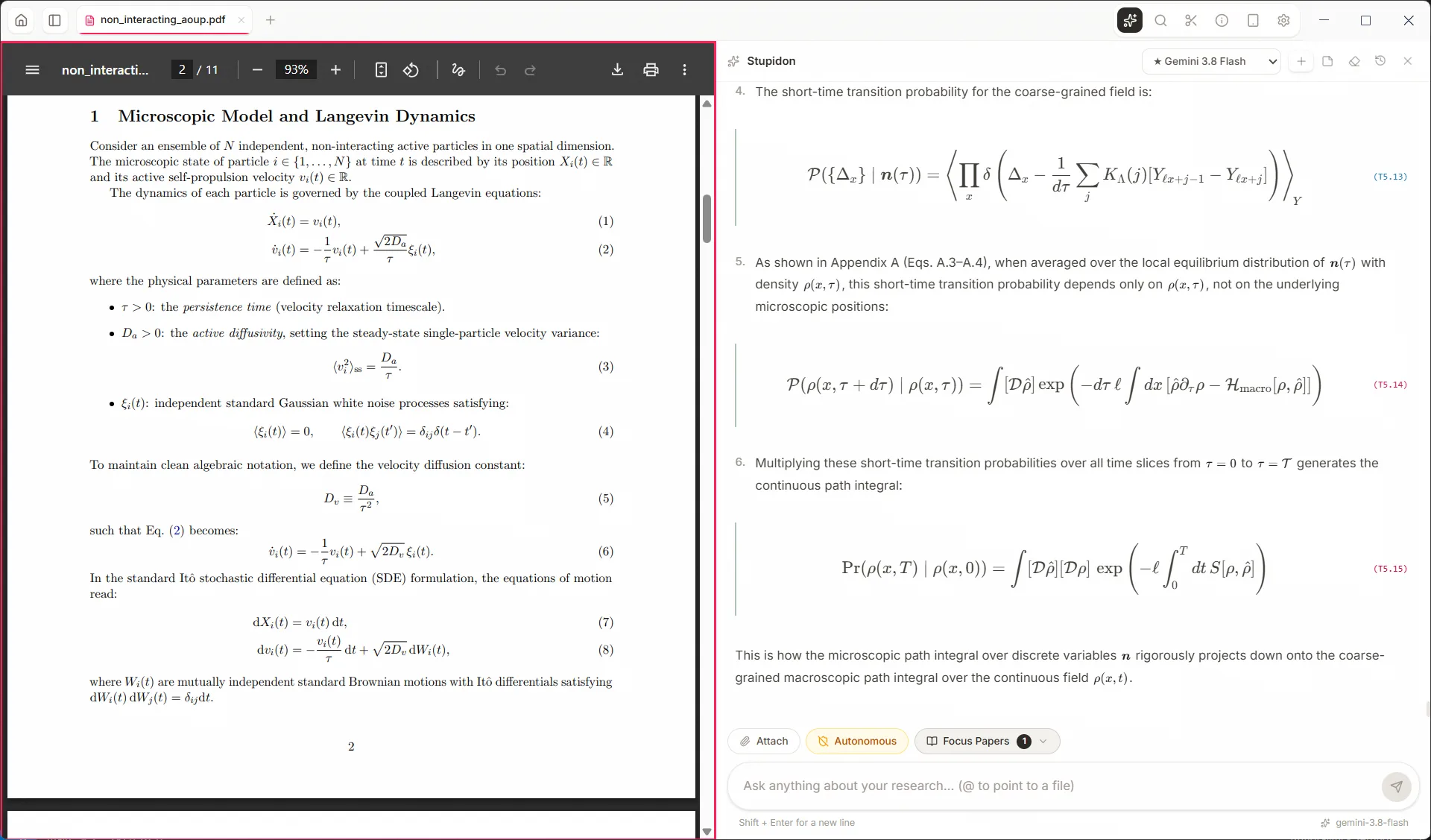
Ask about the paper open beside you. Derivations run through a computer algebra system a step at a time, and every equation in the answer is marked with where it came from — derived, quoted from a paper, or merely stated.
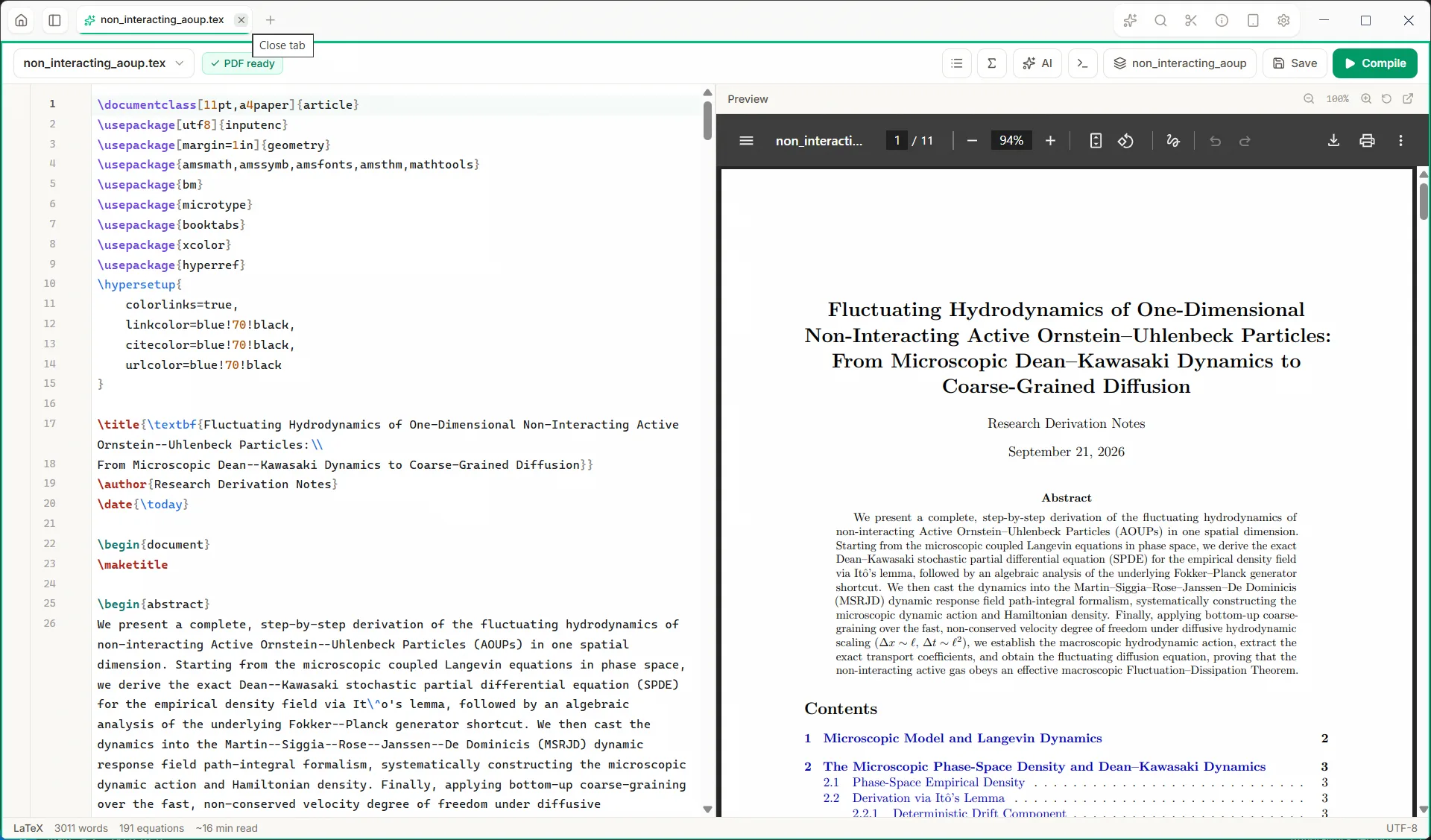
LaTeX, with the PDF beside it
Completion that knows your own labels, packages and .bib keys. Every compile error is one click from the line that caused it, and a figure path is fixed before the engine ever sees it.
Code that runs where you wrote it
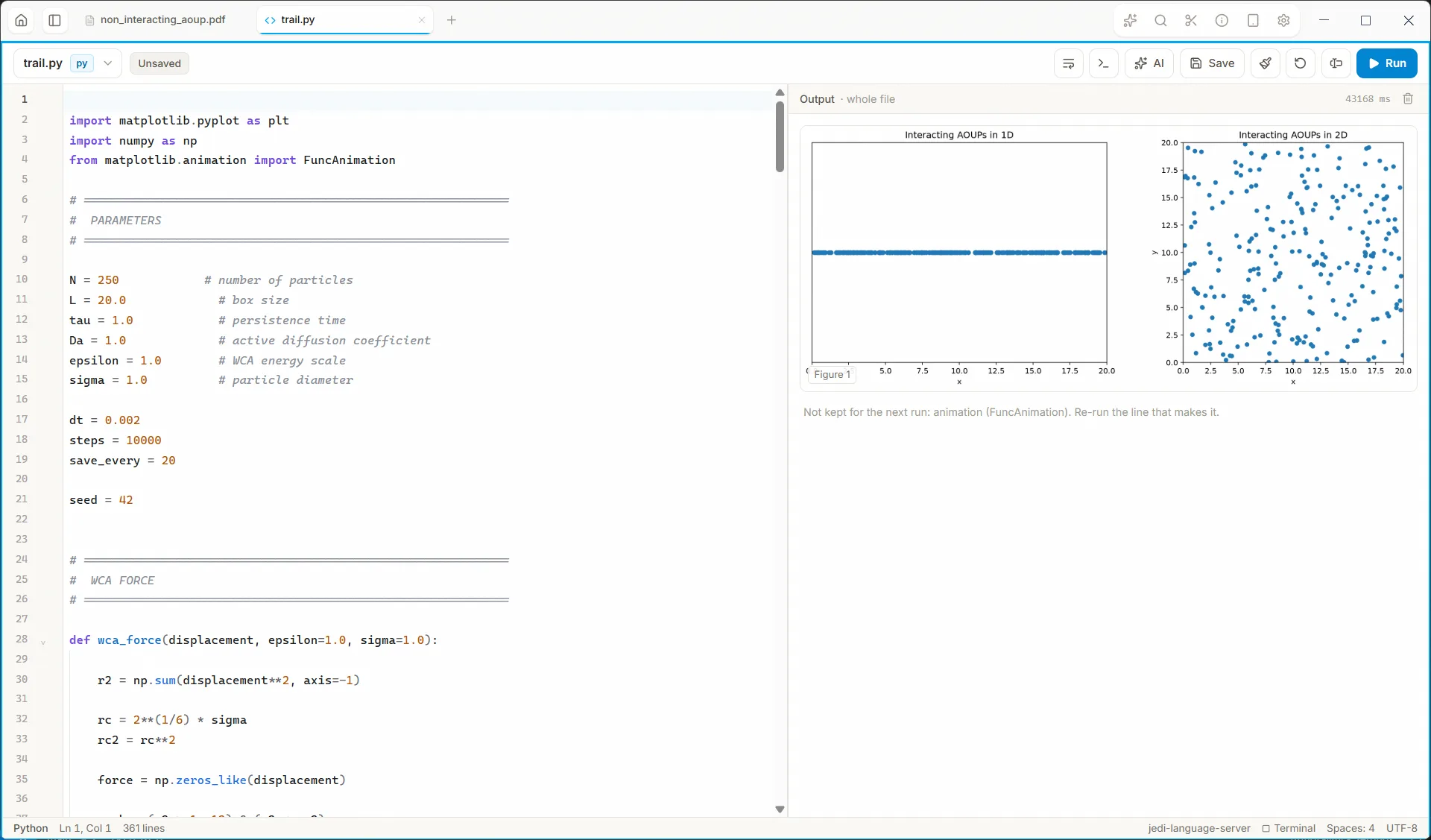
Python with a language server, checking and formatting. Run the whole file, one cell, or just the selection — variables carry over between runs, and figures come back beside the code.
Interactive notebooks
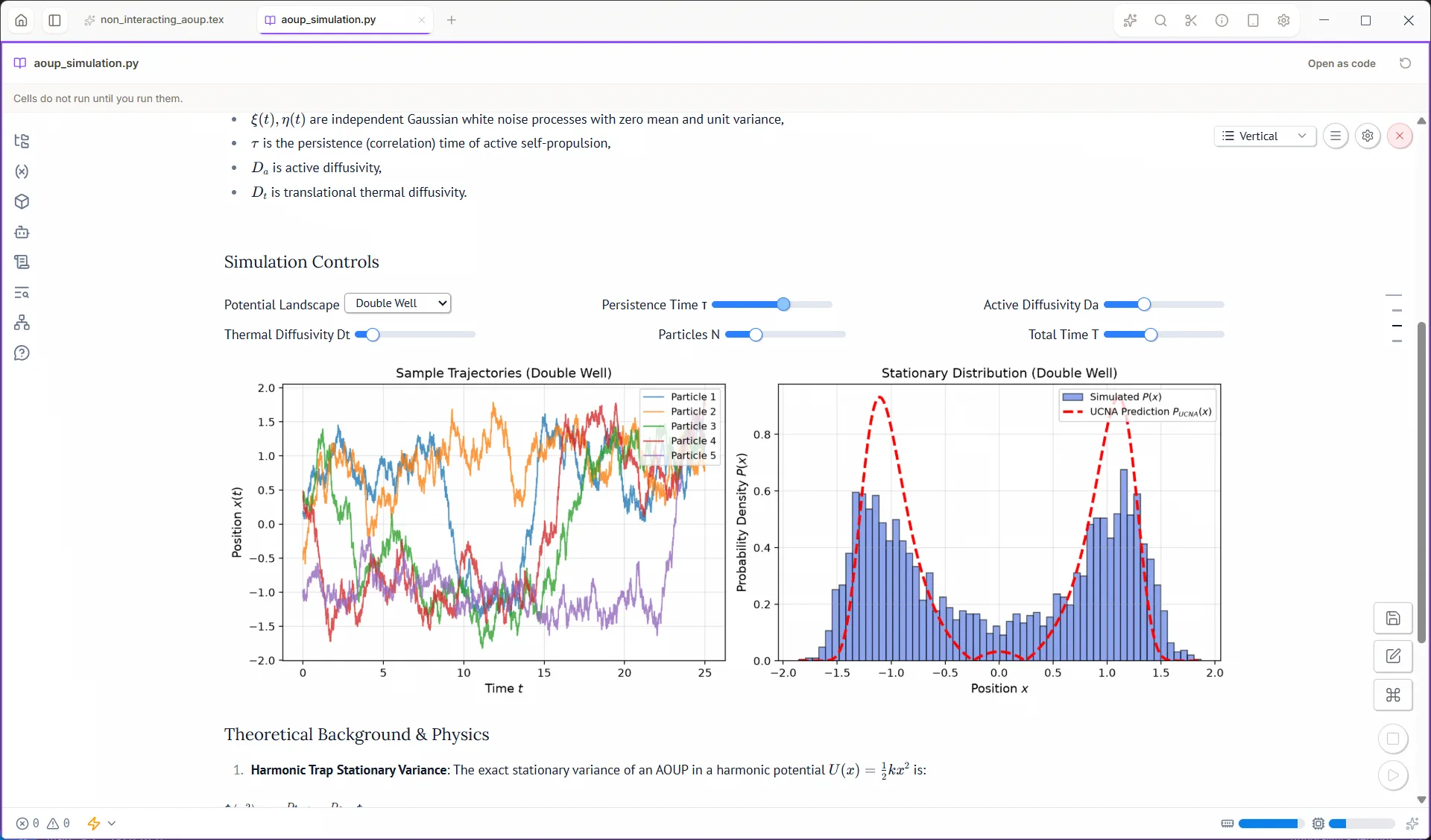
marimo notebooks in the same window. Move a slider and everything that depends on it re-runs. Nothing runs until you run it — opening a notebook executes nothing.
A browser in the workspace
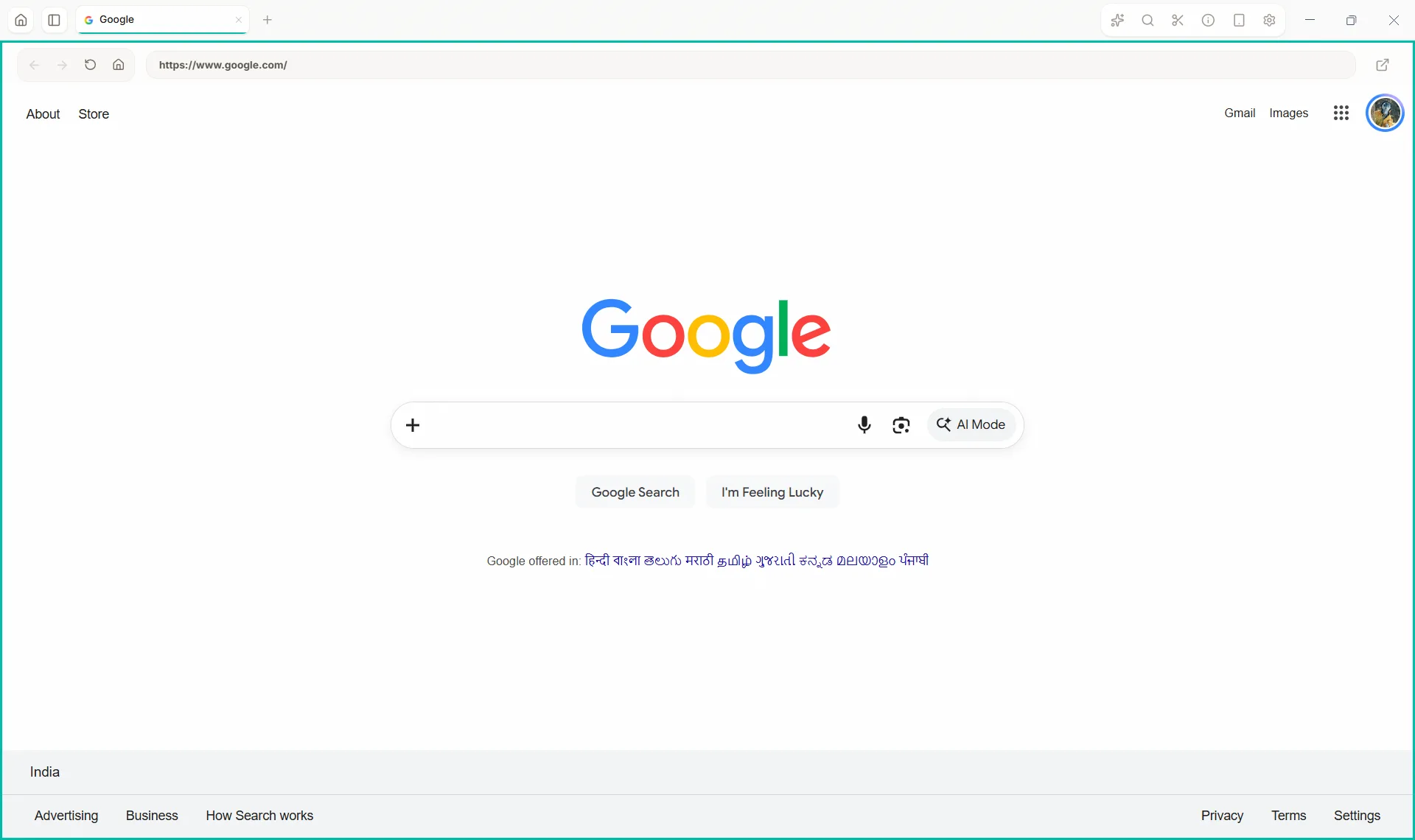
A journal portal, a docs page or a paper on the web, in a tab beside your work — and the assistant can drive it when you ask, on hosts you allow.
Stupidon Notebook
Write by hand on a tablet. It compiles to LaTeX on your desktop.
Opens from the app by QR code. Nothing to install.
- In the desktop app, choose Sync Tablet.
- Scan the QR code with your tablet or phone.
- The notebook opens in the browser, paired with your computer.
An Android app is coming. You don't need it — the browser is enough.
All of it
- Your models
- Gemini, Claude, OpenAI, or a local model through Ollama. Your key, your bill.
- Your files
- Everything stays on your disk. What the assistant runs is confined to the project folder and has no network by default.
- Closed beta
- Testers are let in by hand, in waves, and get credits for the assistant. Join the waiting list to be one.
Get it
In closed beta. Your files stay with you.